 McAfee · Activate
How to Activate a McAfee Key and Install McAfee on Your Devices
Go to mcafee.com/activate and enter your 25-character activation code and your McAfee account email. Then download the installer and send install links to the other devices in your plan.
This guide shows you how to activate a McAfee key on your own McAfee account. You'll then install the software on the device you're using and on the other devices in your plan.
What you need
Enter your key on McAfee's activation page
Open mcafee.com/activate in your browser.
Type your 25-character activation code into the code field.
Enter the email you want to use for your McAfee account.
Click Next to continue.
If that email already has a McAfee account, sign in with your current password. If it doesn't, create a password to set up a new account.
Keep following the on-screen steps until the page says activation was successful.
Download and install McAfee
On the activation success screen, click Download Installer to download the installer.
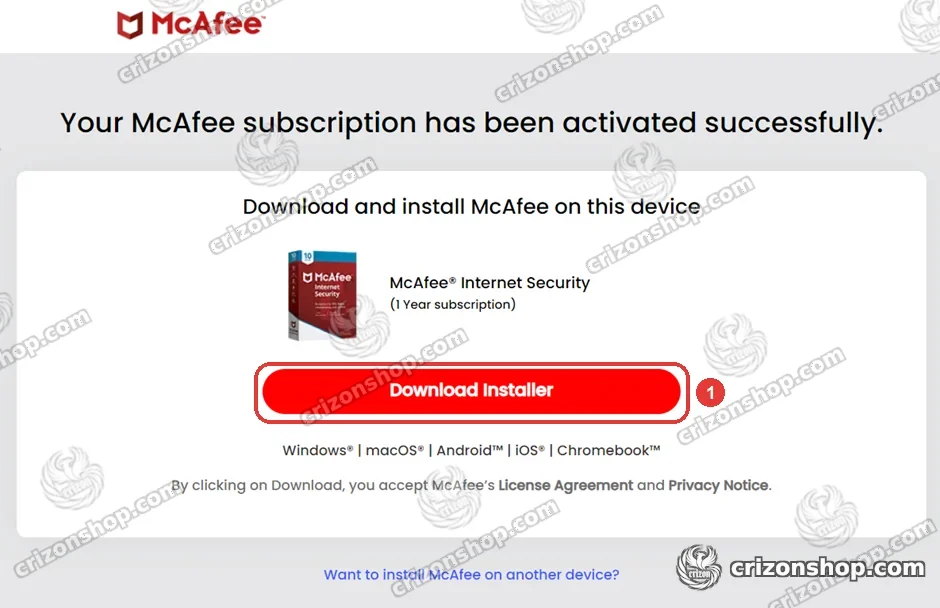
Click Download Installer to get the installer. Open the file you downloaded and follow the installer.
If the software asks you to sign in, use the same email and password as the McAfee account you activated the key on.
On the activation success screen, click Want to install McAfee on another device?
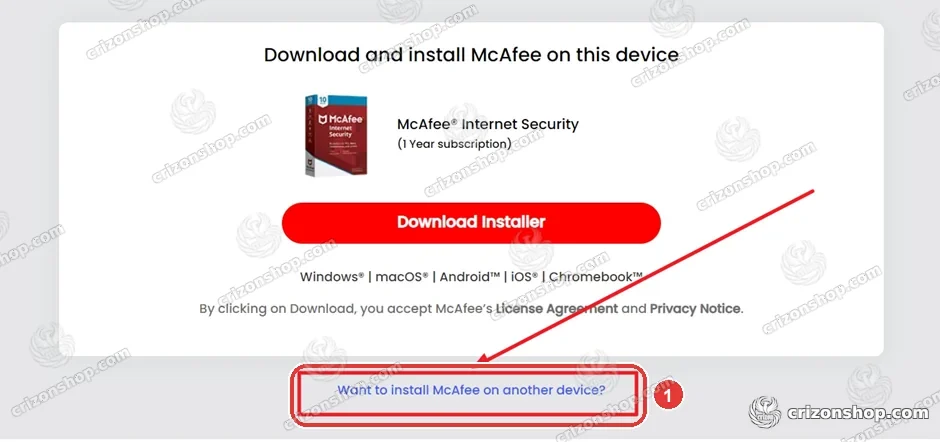
Click “Want to install McAfee on another device?”. Choose how to send the install link to the new device. You can send it by email or text message, or copy the download link.
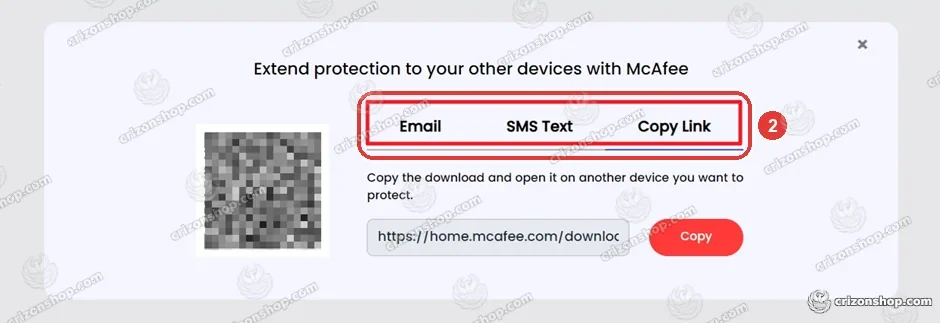
Choose Email, SMS Text or Copy Link to send the install link. Open the link on the new device and follow the installation steps.
Reinstall or add devices later
You don't need to enter your key again each time you install. Once activated, your protection plan is linked to your McAfee account. Whenever you need to reinstall or add a device, just sign in to My Account on mcafee.com to download the installer or send an install link. For more help from McAfee, see its guide to activating your McAfee product.
Frequently asked questions
The code is 25 characters long. If you bought a retail card, it's printed on the back of the card or inside the box. If you bought an eCard, the code is sent to the email you used when you bought it.
First, make sure you're on the real mcafee.com site. Then type the code again slowly, watching for characters that are easy to confuse. If it still doesn't work, the code may already have been used. Contact the seller of the key so they can check it for you.
If your plan is still active, you don't need another key. Sign in to your McAfee account on the new computer to download the installer. If your plan has no devices left, first remove McAfee from the old computer on your account page.
Use an email address that belongs to you and that you'll keep using long term. Your protection plan is linked to the McAfee account you create with it. Whenever you want to download the software again or renew later, you'll need to sign in with that email.
Related guides
How to Activate a McAfee Internet Security Key and Install It on Your PC How to Activate Avast BreachGuard with a Sign-in Key
 How to Activate AVG AntiTrack Premium with an Activation Code
Still need help?
Send your order code and we can sort it out faster.
