 Battle.net · Activate
How to Redeem a Battle.net Code on the Web, Desktop, and Mobile
Log in to Battle.net, go to Account Overview or the profile menu in the app, choose Redeem Code, and paste your code. The code must match your account's region and can only be redeemed once.
This guide shows you how to redeem a code on your own Battle.net account. It works for game codes, Blizzard Balance codes, game time codes, gift codes, and promotional item codes. You can redeem on the website, in the Battle.net desktop app, or on your phone. Every method gives the same result.
Before you redeem
How to redeem your code
Open the Battle.net account management page and log in.
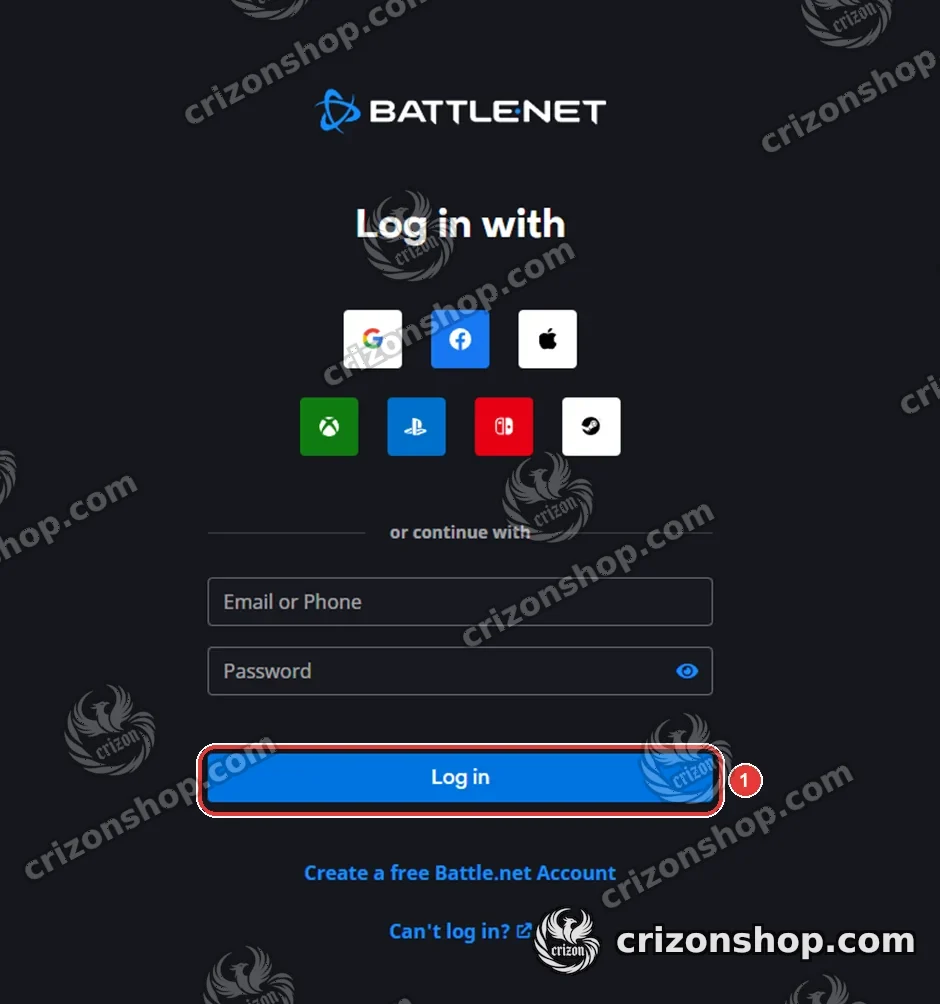
Enter your account details, then click 'Log in'. On the Account Overview page, find the Redeem a Code box.
Paste your code into the box.
Click Redeem Code.
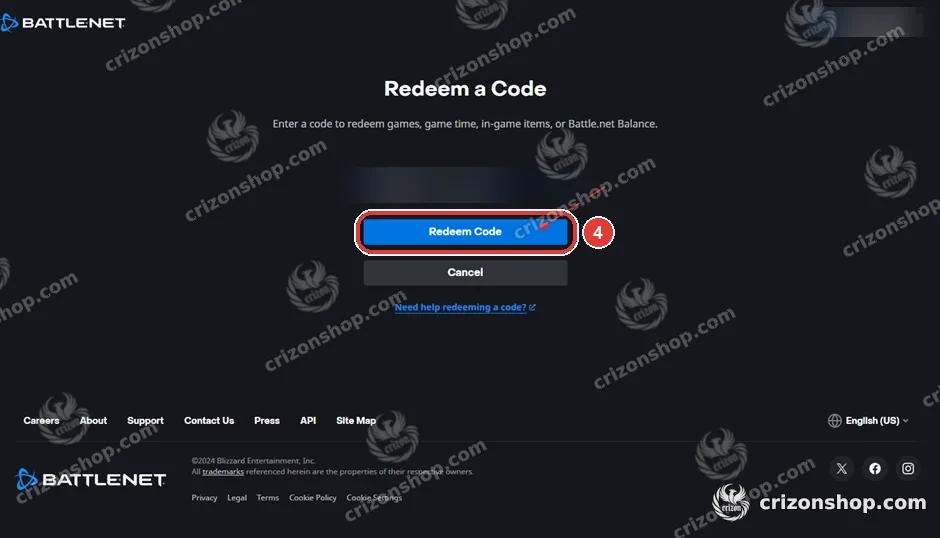
Click 'Redeem Code' to redeem your code. If a confirmation screen appears, review the details and confirm to finish.
Open the Battle.net desktop app and log in.
Click your profile icon in the top-right corner.
Select Redeem Code.
Paste the code into the field in the window that opens.
Click the confirm button to finish.
Open the Battle.net app on your phone and log in.
Tap Profile.
Expand Account.
Select Redeem Code.
Paste the code and confirm.
Once the code is redeemed, the game, balance, or item is added to the account you're logged in to. For a game code, open the Battle.net desktop app and select the game to download and install it.
If your code shows an error
The most common message is Oops! The Code You Entered Cannot Be Claimed. According to Blizzard's guide, this error usually means the code was entered incorrectly. Work through the checks below in order.
Check every character of the code again, especially the easily confused ones in the table below.
Confirm the code is for the same region as your Battle.net account.
Think about whether the code has already been redeemed on another account, including any secondary accounts you have.
If it still doesn't work, submit a request to Blizzard Support and attach a photo of the code so they can help you faster.
| Character | Often mistaken for |
|---|---|
| B | 8 |
| G | 6 or C |
| 2 | Z or 7 |
| 4 | H |
| E | F |
Frequently asked questions
Usually not. Blizzard region-locks some codes, and a code that doesn't match your account's region won't redeem. Before you buy or receive a code, ask which region it's for and compare it with your Battle.net account's region.
Blizzard says redeemed codes can't be sold, traded, or gifted. That's why you should check the email of the account you're logged in to before clicking Redeem Code. If you've already redeemed it on the wrong account, you can contact Blizzard Support and ask, but Blizzard doesn't promise to move it.
No. Blizzard Balance codes, game codes, game time codes, and item codes all go in the same Redeem Code box. Only the confirmation screen is different.
Yes. In the Battle.net mobile app, go to Profile, open Account, then select Redeem Code. You can also open account.battle.net in your phone's browser and use the Redeem a Code box.
Related guides
How to Change Your Battle.net Email and Password How to Recover Your Steam Account When You've Lost Access to Your EmailHow to Change Your EA Account (Formerly Origin) Email and Password
Still need help?
Send your order code and we can sort it out faster.
