Rockstar Games · Set up
How to Install FiveM to Play GTA V Roleplay on PC
To play GTA V Roleplay, you need a licensed copy of GTA V on PC. Then install the right FiveM build (Legacy or Enhanced) from fivem.net, link your Cfx.re account and find a server to join.
This guide shows you how to install FiveM, the multiplayer mod for GTA V on PC, and then find and join a roleplay server. To follow along, you need a licensed copy of GTA V on your PC.
What is GTA V Roleplay?
GTA V Roleplay, or GTA RP, is a way of playing on private servers that the community builds and runs through FiveM. You play as a resident of Los Santos. You can get a job and earn money to buy a house and a car, or turn to crime and risk being chased, arrested and sent to jail.
Each server sets its own rules and gameplay. On many servers, the police officers, doctors and mechanics are all real players. Some servers even make your character eat and drink to stay alive. So before you start playing, read the rules of the server you pick carefully.
What you need before installing
- A PC running Windows 10 or later. FiveM isn't available on consoles.
- A licensed copy of GTA V on PC, installed and updated to the latest version.
- Know whether your GTA V is Legacy (the original version) or Enhanced (the version with upgraded graphics). Each one needs a different FiveM installer.
- A Cfx.re account to link when you open FiveM for the first time. If you don't have one, you can create it during setup.
The table below summarizes the minimum requirements published on the FiveM website.
| Spec | FiveM (Legacy) | FiveM for GTAV Enhanced |
|---|---|---|
| Operating system | Windows 10 | Windows 10 |
| Minimum CPU | Intel Core 2 Quad or equivalent AMD Phenom | Intel Core i7-4770 or AMD FX-9590 |
| Minimum RAM | 4 GB | 8 GB |
| Minimum video memory | 1 GB | 4 GB |
| Recommended RAM | 8 GB | 16 GB (dual-channel) |
| Storage | About 129 GB | About 109 GB |
Step 1. Download the right version of FiveM
Go to the official site fivem.net.
If you play GTA V Legacy, click Download FiveM. If you play GTA V Enhanced, click Download FiveM for GTAV Enhanced.
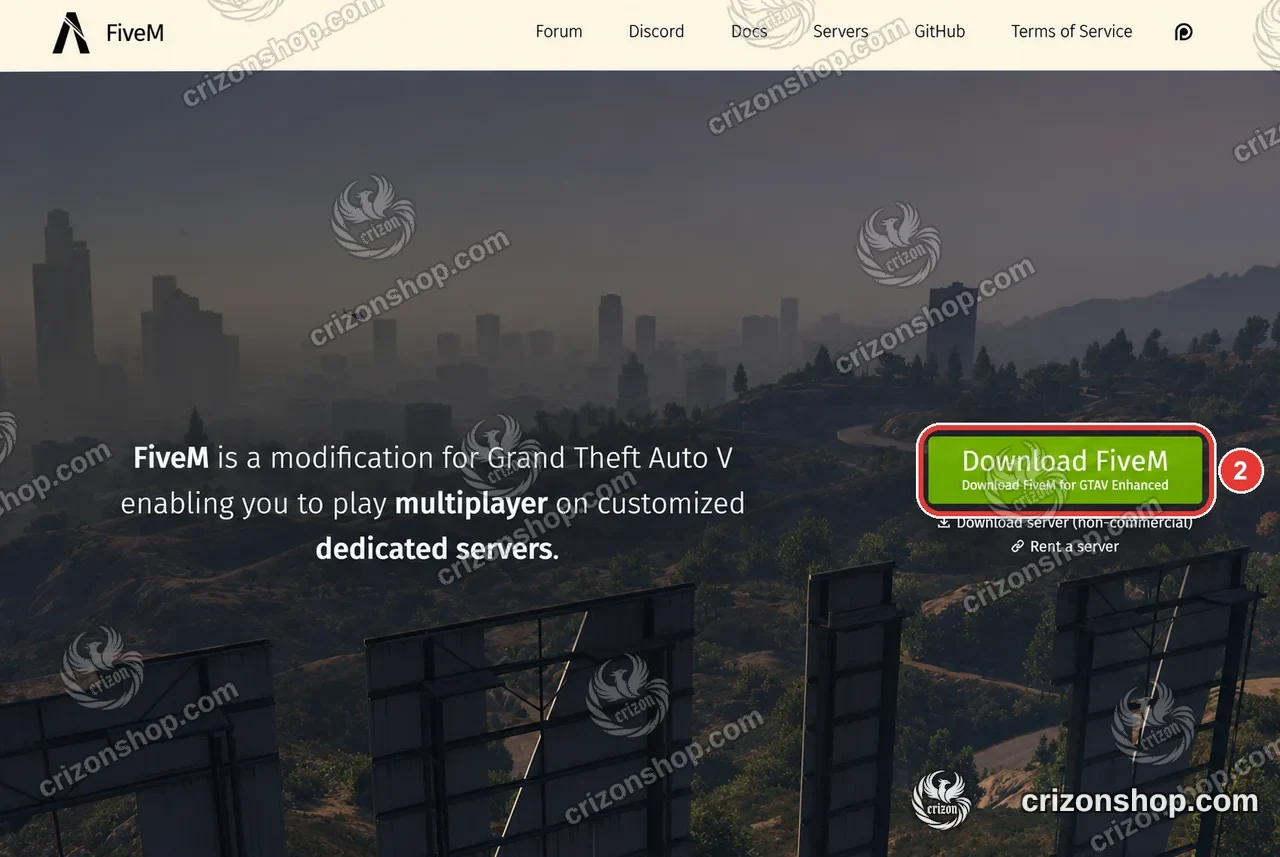
Click “Download client” (Download FiveM or Download FiveM for GTAV Enhanced). Read the Creator Platform License Agreement, then click Sure, I Agree! to start the download.

Click “Sure, I Agree!” to start the download. Wait for the installer to download. The Legacy installer is called
FiveM.exe, and the Enhanced one is calledFiveM_Installer.exe.
Step 2. Install FiveM and link your Cfx.re account
Before you open the installer, sign in to the launcher where you own GTA V (Steam, Epic Games or Rockstar Games Launcher). This makes it easier for FiveM to detect the game.
Open the file you just downloaded from your Downloads folder.
If FiveM asks where the game is, open your GTA V install folder, select
GTA5.exeand click Open.When FiveM says it needs to update the game data on your PC, click Yes. Wait a few minutes while it gets everything ready.
Read the terms of service, then click I Accept.
Your browser opens the Cfx.re page. Sign in or create a new account, then click Authorize.
Go back to the FiveM window and click Continue on the welcome screen. Setup is now complete.
Step 3. Find and join a roleplay server
Open FiveM and go to the server list.
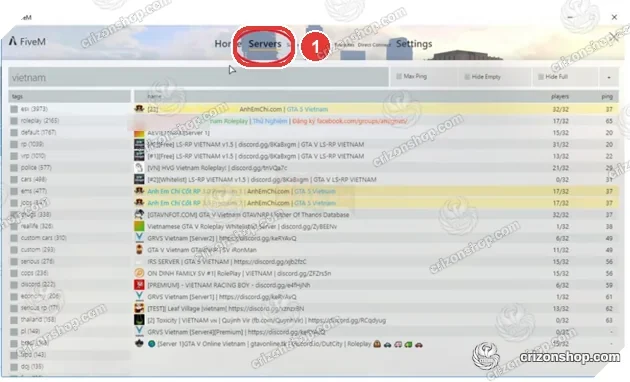
Click “Servers” to open the server list. Type the name of the server you want to play on into the search box. To find servers with lots of Vietnamese players, try keywords like
Viet NamorVN.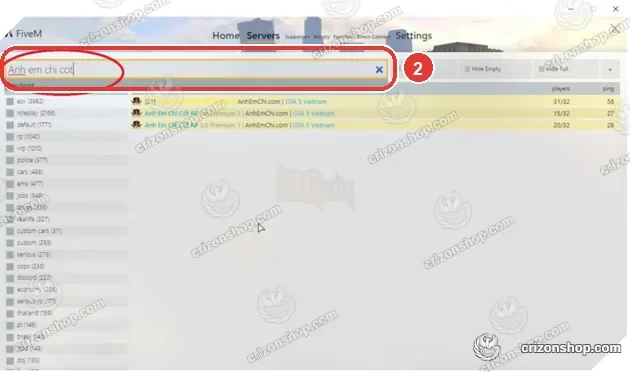
Click the search box to enter a server name or keyword. Click a server to see its description, how many people are playing and its basic rules.
Click Connect, then wait while FiveM downloads that server's own data. The first time you join, this can take quite a while.
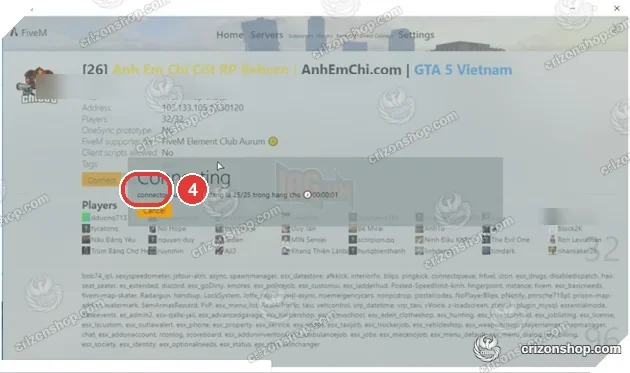
Click “Connect”, then wait for FiveM to download the server data.
Join directly with a server address
Many servers post their IP address or a cfx.re/join/... link on their community pages. You can paste this address into Direct Connect in FiveM. Another option is to press F8 to open the console and type a command like the one below. Replace the numbers with the server's real address and port.
connect 123.45.67.89:30120Frequently asked questions
FiveM is free to download and install from fivem.net. The one requirement is that you own a licensed copy of GTA V on PC. Some servers offer their own supporter packages, but that's each server's policy, not FiveM's.
According to FiveM's official website, FiveM doesn't modify game files, so you can switch between GTA Online and FiveM without getting banned. However, if you break a roleplay server's rules, you can still be banned from that server.
No. FiveM is only available on Windows PCs. The developers have said that bringing FiveM to consoles isn't feasible.
You should use the installer from Download FiveM for GTAV Enhanced, which is made for the Enhanced version. The regular FiveM installer is for GTA V Legacy. Also, check which version the server you want to join runs so you don't install the wrong one.
Related guides
How to Redeem a Rockstar Game Code in Rockstar Games Launcher How to Recover Your Steam Account When You've Lost Access to Your EmailHow to Change Your EA Account (Formerly Origin) Email and Password
Still need help?
Send your order code and we can sort it out faster.
