 ExitLag · Activate
How to Activate ExitLag with a Multiplayer Plan Invite Link
Open the ExitLag invite link in your browser and sign in to your own ExitLag account to join the Multiplayer plan. Then sign back in to the app to check that the plan is active.
This guide shows you how to activate ExitLag after you've been invited to a Multiplayer plan by link. Open the link in your browser and sign in to your own ExitLag account. Then check the plan in the app.
What an ExitLag invite link is for
ExitLag's Multiplayer plan comes in two types. The Duo plan covers the subscriber plus 1 guest. The Squad plan covers the subscriber plus 4 guests. The plan owner creates invite links under Manage Squad and sends one to each person. Each person opens their link to join the group, so nobody needs anyone else's password.
Each member uses ExitLag on their own device with their own account. You don't need to be online at the same time as the plan owner. An invite link usually looks like the example below. The last part is a code that's different for each invite.
https://www.exitlag.com/multiplayer/token/xxxx-xxxx-xxxx-xxxxxxBefore you open the link
Activate with the invite link
Copy the whole invite link you received.
Paste the link into your browser's address bar and press Enter.
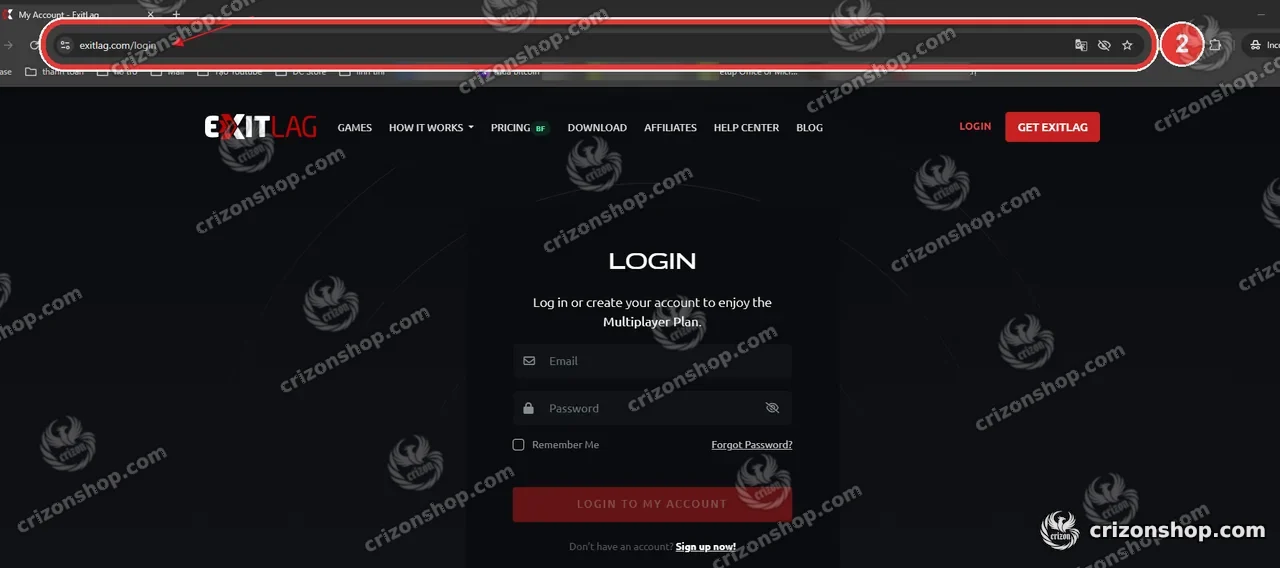
Paste the link into the address bar and press Enter. When the ExitLag page asks you to sign in, enter the email and password for your ExitLag account.
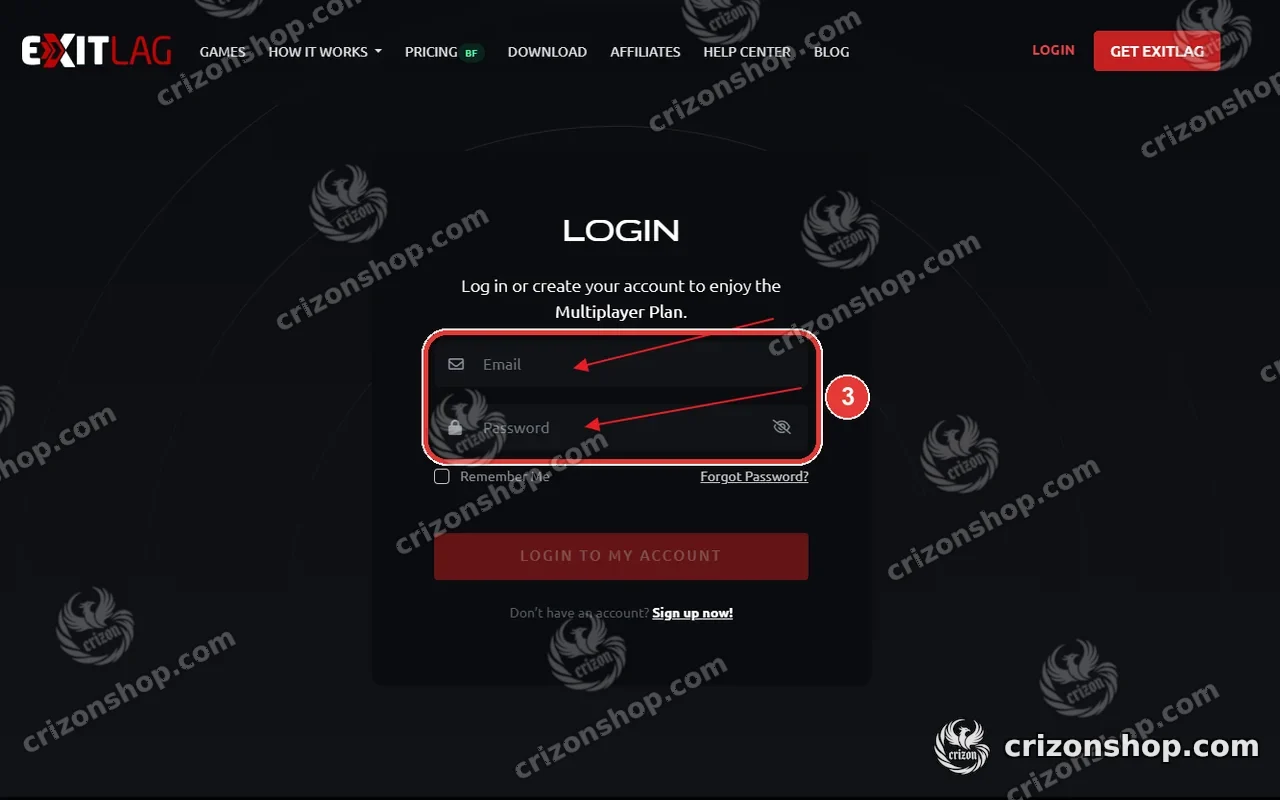
Enter your email and password in the Email and Password fields. If the page shows a button to confirm that you're joining the group, click it to finish.
Wait until the page confirms you've joined the group before you close your browser.
Check the plan in the ExitLag app
After you join the group, use ExitLag on your device as usual. Sign in with the same account you just activated.
Open the ExitLag app on your computer or phone.
If you were already signed in to the app, sign out. Then sign back in with the account you used to open the link.
Check your account info to make sure the plan hasn't expired.
Choose your game and start optimizing your connection as usual.
If you received a code instead of a link
Some ExitLag plans are activated with a prepaid code instead of an invite link. To enter the code, follow these steps from ExitLag's guide.
Sign in to your account on exitlag.com.
Go to My Account, then select Prepaid Codes.
Paste the code into the code field.
Click Activate Code and wait for the page to confirm the activation.
Frequently asked questions
Make sure you copied the whole link, especially the code at the end. Also check that there are no extra spaces or punctuation marks attached to it. If the link still doesn't work, the group may be full or the invite may have expired. In that case, ask the person who sent it to create a new link for you under Manage Squad.
No. ExitLag says members join a Multiplayer plan through an invite link, so no one needs anyone else's password. You only sign in to your own account on the official exitlag.com website.
No. Each member uses ExitLag separately on their own device. You don't need to be online at the same time as anyone else in the group.
The ExitLag help articles we checked don't say clearly what happens to your own plan's remaining time when you join a Multiplayer group. To avoid losing the days you have left, contact ExitLag support through live chat on exitlag.com before you open the link.
Related guides
How to Redeem an ExitLag Code to Activate Your Plan How to Recover Your Steam Account When You've Lost Access to Your EmailHow to Change Your EA Account (Formerly Origin) Email and Password
Still need help?
Send your order code and we can sort it out faster.
